Match the nozzle to your hotend and filament before choosing a material or opening size.
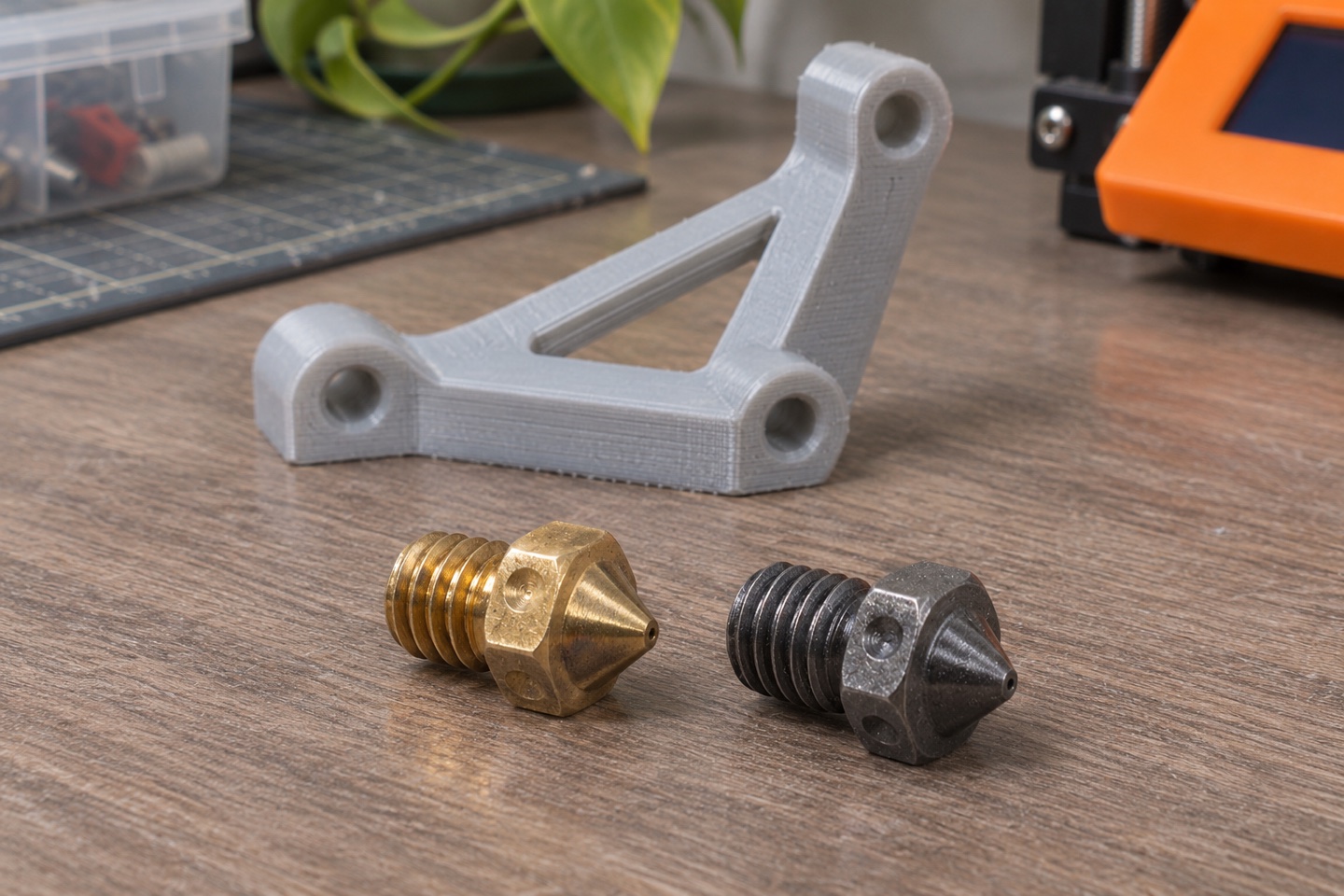
| Printing scenario | What to verify | Why it matters |
|---|---|---|
| Standard PLA | Hotend family and brass compatibility | Keeps the initial setup straightforward |
| Abrasive filled material | Wear-resistant material and minimum opening | Filler changes the nozzle requirements |
| Changing opening size | Slicer nozzle diameter and material preset | Prevents an old profile from skewing the result |
Identify your hotend first
Look up the exact printer and hotend revision. Compare the manufacturer’s replacement part number. Two nozzles can look alike and have different lengths or thread profiles. Some printers use a complete hotend assembly.
Match the material you print
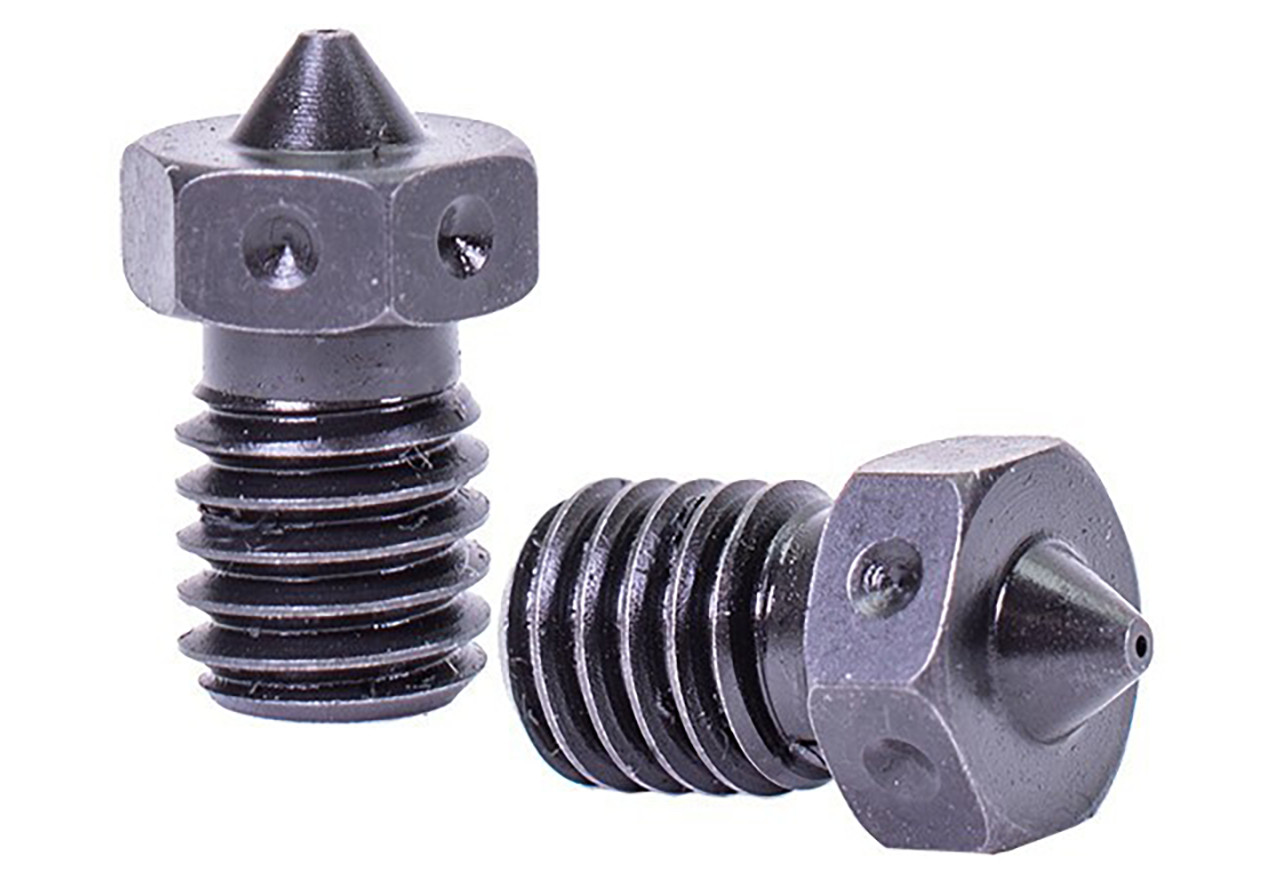
Brass is a common choice for unfilled PLA. If your filament contains abrasive fillers, check its documentation for a wear-resistant nozzle and a minimum opening size.
Update the slicer after a swap
Follow the printer maker’s installation instructions. Set the nozzle diameter in your slicer and run the printer’s recommended calibration before starting a long print.
Write down the specification before shopping
Record the printer model, hotend revision, nozzle family, filament diameter, and nozzle opening. A listing can show both 1.75 mm and 0.4 mm because the first measures the incoming filament and the second measures the opening in the nozzle tip.
Run a small check after installation
Use the printer maker’s installation and calibration procedure. Then print a small first-layer patch with a profile for the new nozzle. If the lines do not join evenly, recheck the first layer and the selected profile before committing to a long print.
Check the shoulder as well as the threads
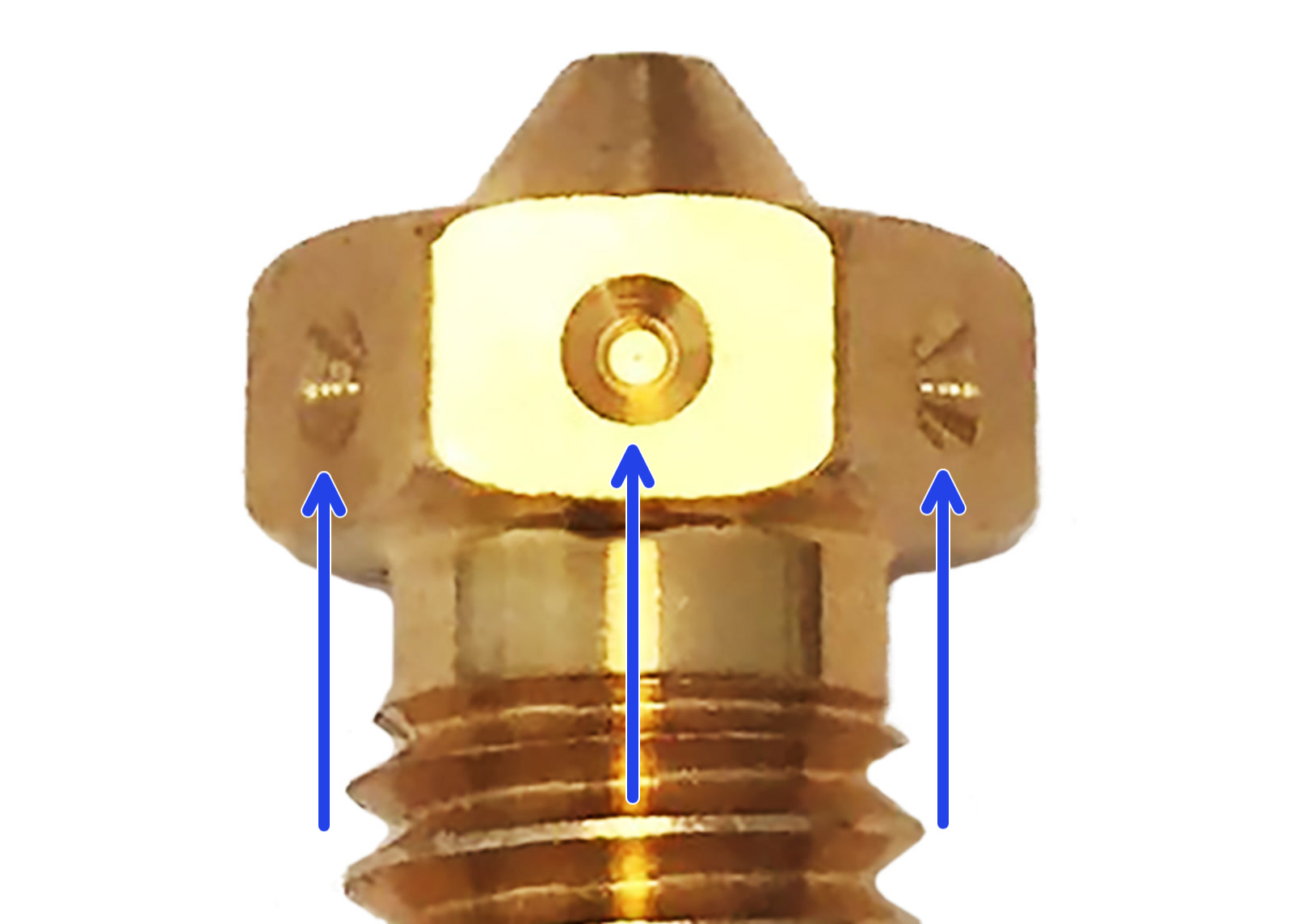
Look up the manufacturer’s drawing for your hotend revision and the nozzle part number. Compare the seating geometry and overall length. An adapter or complete hotend may be required. Follow the printer’s published replacement procedure and check the supported temperature range.
Measure the effect of one change
After calibration, print a small wall sample before returning to a full job. Keep material, model and orientation fixed, use the correct nozzle preset, and record what changed. Inspect the first layer and surface consistency before interpreting strength or quality.
What to look for
Compare the model numbers and fit details before ordering. Product photos are from product catalogs and retailer listings.
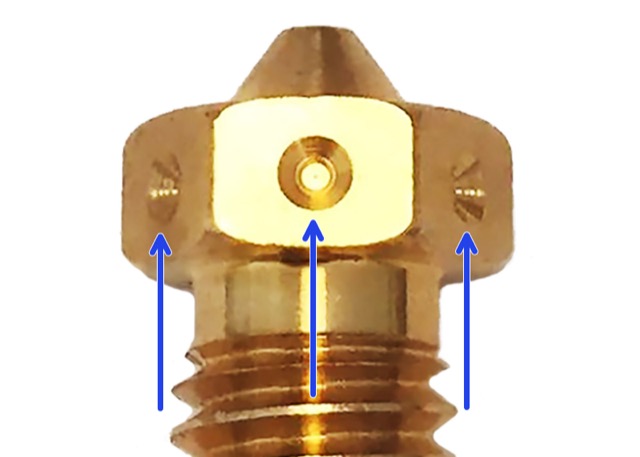
E3D V6 Brass Nozzle
A 0.4 mm example for everyday, non-abrasive filament in a compatible V6 hotend.
View on Amazon